Party
Online karaoke with friends far away: how to sing together from home
QUICK ANSWER
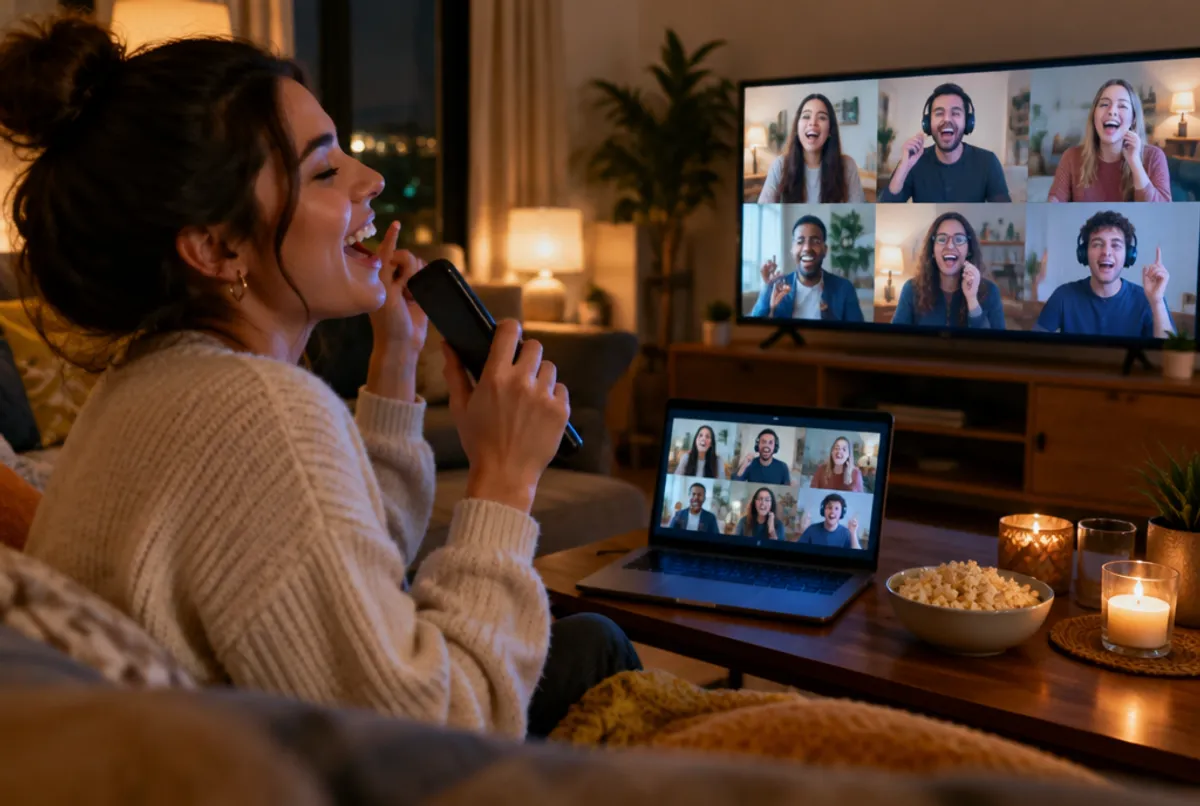
The simplest free way to do online karaoke with friends far away is a video call: one person opens karaoque.com/tv on a computer and shares that screen with sound on Zoom, Google Meet or Discord, so everyone sees the same lyrics. Then you take turns, one singer at a time, with everyone else muted. Karaoque itself is built for singing in the same room, where each phone becomes a microphone on the TV.
Can you really do karaoke together from different places?
Yes, as long as you organize it. The big problem with long-distance karaoke is lag: on a video call, sound takes a fraction of a second to travel, so if two people sing at the same time it turns into a mess of echoes. The fix is the same rule as any karaoke bar: one singer at a time, with everyone else watching and cheering.
It is a great way to catch up with friends in other cities, bring a scattered family together or throw an online birthday that does not feel like a frozen video call.
How to set up online karaoke over a video call
- Pick a host. The host needs a computer with a good connection.
- Open karaoque.com/tv on the host's computer. That page is the stage, with the video and the lyrics.
- Start the call and share the screen with sound. Zoom, Google Meet and Discord all let you share a window or tab with its audio. Turn on the option to share sound.
- Take turns. The singer unmutes, everyone else mutes. The host plays the next song from the queue.
- Vote in the chat. Use reactions or a 1 to 10 vote in the call chat to crown the best performance of the night.
What each person needs
- A device with the video call app: phone, tablet or computer.
- Decent internet: regular Wi-Fi or a good mobile connection is enough.
- Headphones (strongly recommended): they stop the music from feeding back into your mic and keep your voice clean.
Video call karaoke: what works and what does not
| Situation | Works? | Why |
|---|---|---|
| One person sings, others listen | Yes | Only one voice travels through the call |
| Everyone sings the chorus together | Not well | Each voice arrives with a different delay |
| Singer uses headphones | Yes, much better | No echo of the music in the mic |
| Singer plays music from speakers | Poorly | The call mixes music and voice and cuts parts out |
Tips for a great online karaoke night
- Set a time and send the call link a few minutes early so everyone is in.
- Make a running order in the chat so nobody waits wondering whose turn it is.
- Open with an anthem everyone knows to break the ice. Our list of 50 karaoke songs everyone knows helps.
- Keep cameras on for that audience feeling, or off if someone gets shy.
- Keep it moving. One song leads to the next and the party never cools down.
Even better: get together in the same room
Karaoque was made for the living room: open karaoque.com/tv on the TV, everyone scans the QR code and each phone becomes a microphone, with a fair queue and a 0 to 100 score from pitch and audience votes. If part of the group lives nearby, see how to do karaoke at home. And if you are comparing tools for singing from different places, our guide to the best karaoke apps covers recorded duets on apps like Smule. More on online karaoke.
Frequently asked questions
How can I do karaoke online with friends far away?
Start a video call, have one person open karaoque.com/tv on a computer and share that screen with sound. Everyone sees the same lyrics and you take turns singing, one person at a time, with the others muted.
Can we all sing at the same time over a video call?
Not really. Each voice reaches the others with a slightly different delay, so group singing turns into echo. Take turns and save the group moments for cheering in the chat.
Which video call app is best for karaoke?
Any app that lets you share your screen with sound works, like Zoom, Google Meet or Discord. Turn on the share sound option and ask the singer to use headphones.
Do I need to install anything?
Only the video call app you already use. Karaoque runs in the browser at karaoque.com/tv, with no app and no sign-up.
How do I avoid echo during online karaoke?
Use headphones, keep everyone except the singer muted and avoid playing the music through speakers next to the microphone.